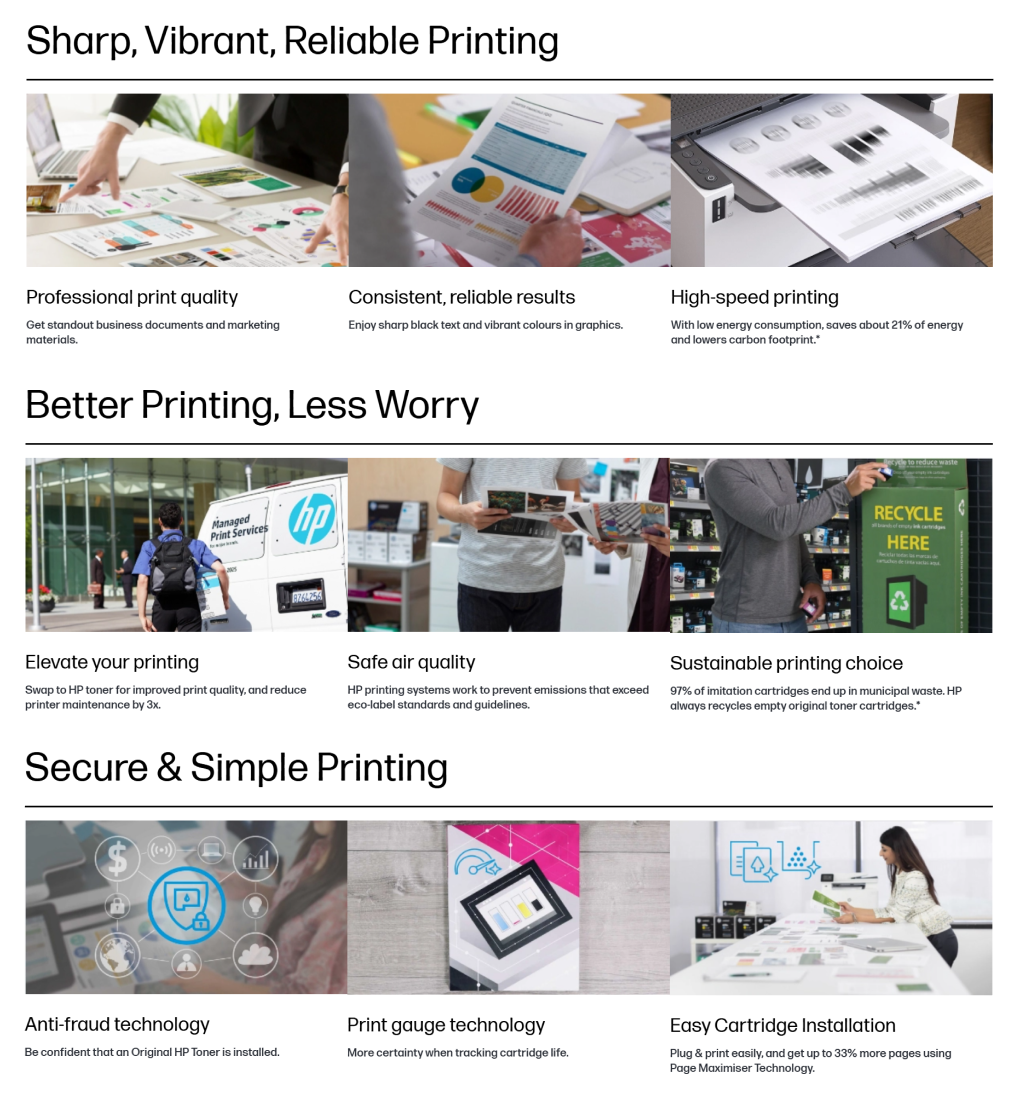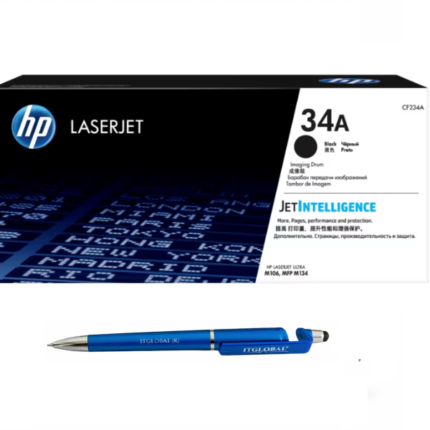
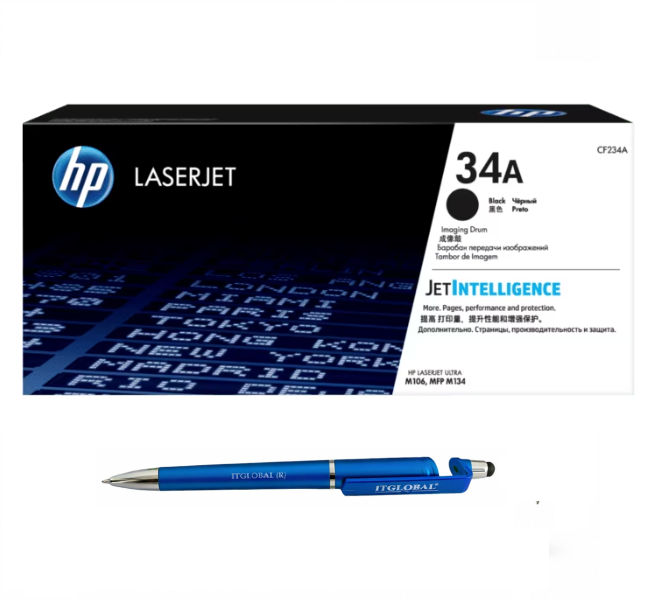




HP 34A Original LaserJet Imaging Drum CF234A Genuine
₹7,539.83 Excl GST
HP 34A Original LaserJet Imaging Drum CF234A Genuine
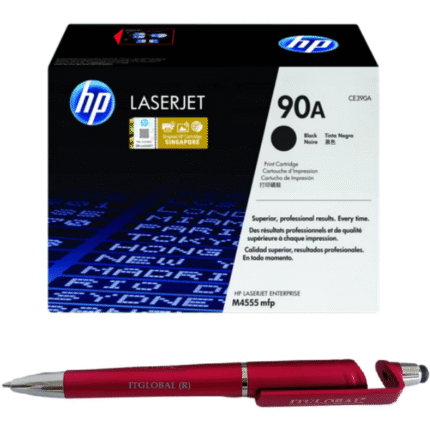
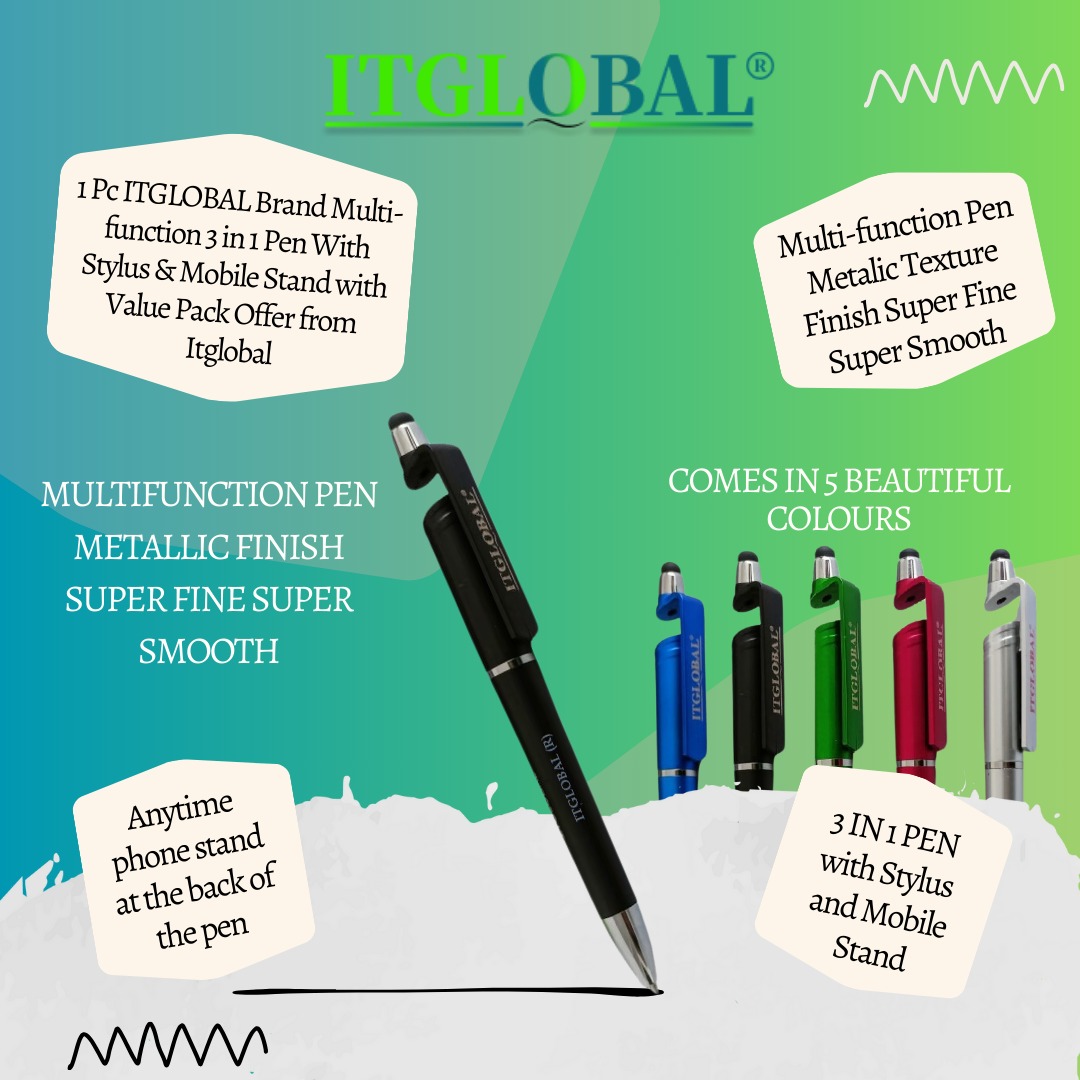
- Package Contain : 1 Original Ink Toner With Manufacturer Warranty Bundle with ITGLOBAL Brand 3in1 Multi-Function Creative Mobile Phone Stand, High Sensitive Mini Stylus Pen, Anti-Metal Texture Rotating Ballpoint Pen (Very Colors)
- Drum Compatible With : HP LaserJet Ultra M106w (G3Q39A), M134a MFP (G3Q66A), M134fn MFP (G3Q67A) Printer
- 100 % Authentic / Original / Genuine Product With Manufacturer Warranty All over India By HP Service Center
- Hi 🔥 Interested in Buying ? Get the BEST CURRENT PRICE & SPECIAL DEAL! 💰 Call/WhatsApp 9987987622 📞 — Your Best Quote Awaits! 🚀
1 in stock
HP 34A Original LaserJet Imaging Drum CF234A Genuine
Original HP Drum Unit | Up to 12,000 Pages

The HP 34A imaging drum (CF234A) is a genuine HP replacement component designed for select HP LaserJet Pro printers. It supports the laser printing process by helping transfer toner images onto paper, producing clear text, defined graphics, and consistent monochrome documents. It is suitable for home offices, small businesses, educational institutions, and workplaces that depend on reliable black-and-white printing.
Unlike a toner cartridge, which stores toner powder, the drum unit plays a role in forming and transferring the printed image. Replacing the correct component when required can help restore expected print quality and support routine printer maintenance.
Genuine HP Quality and Dependable Printing
Designed for compatible HP printing systems, this replacement component helps maintain the intended interaction between the printer and its imaging supplies. Original manufacturer components are a practical option for users who want to follow the printer’s specified maintenance requirements.
A functioning drum contributes to consistent image transfer and uniform print density. If printed pages develop streaks, repeated marks, ghosting, or faded areas, the imaging system may require inspection. These symptoms can also result from toner, paper, or other printer components, so consult the printer’s troubleshooting guidance before replacing parts.
Long Service Life for Everyday Workloads
This drum unit is specified for a yield of up to 12,000 pages, based on the stated average of three pages per print job. Actual service life varies according to print coverage, printing frequency, operating conditions, maintenance, and the printer model.
Its long-life design can help reduce replacement frequency and minimise interruptions in everyday printing. It is suitable for producing invoices, business reports, contracts, letters, forms, and other routine office documents.
Compatible HP LaserJet Pro Printers
The supplied compatibility information lists the following models:
- HP LaserJet Pro M102a
- HP LaserJet Pro M102w
- HP LaserJet Pro MFP M130a
- HP LaserJet Pro MFP M130fn
- HP LaserJet Pro MFP M130fw
- HP LaserJet Pro MFP M130nw
Always confirm your printer’s exact model and regional supply requirements before purchasing. The CF234A reference should match the component specified for your device.
Product Features and Specifications
- Brand: HP
- Product Name: HP 34A Original LaserJet Imaging Drum
- Part Number: CF234A
- Supply Type: Imaging drum / drum unit
- Printing Technology: Laser
- Print Colour: Black
- Specified Yield: Up to 12,000 pages
- Compatible Series: Selected HP LaserJet Pro M102 and M130 models
- Condition: Genuine HP product, as represented by the seller
- Package Contents: Drum unit and recycling guide, subject to the actual package
Why Choose an Original Imaging Drum?
Selecting the correct manufacturer-specified component helps maintain compatibility with the printer’s imaging system. A suitable replacement can support consistent document output and dependable operation when installed according to the manufacturer’s instructions.
For best results, handle the drum carefully and avoid touching sensitive surfaces. Follow the printer manual for installation, maintenance, and disposal instructions. If you are unsure whether the drum needs replacement, check the printer’s displayed message or troubleshooting guide first